
Enquiries
Write down the call that comes in, with photos from the phone. Quote it or book it in from the web when you're ready.
Features
Quotes, jobs, the week's board, invoices, customers and hours, on your phone and on the web. And an assistant that does any of it when you ask out loud.
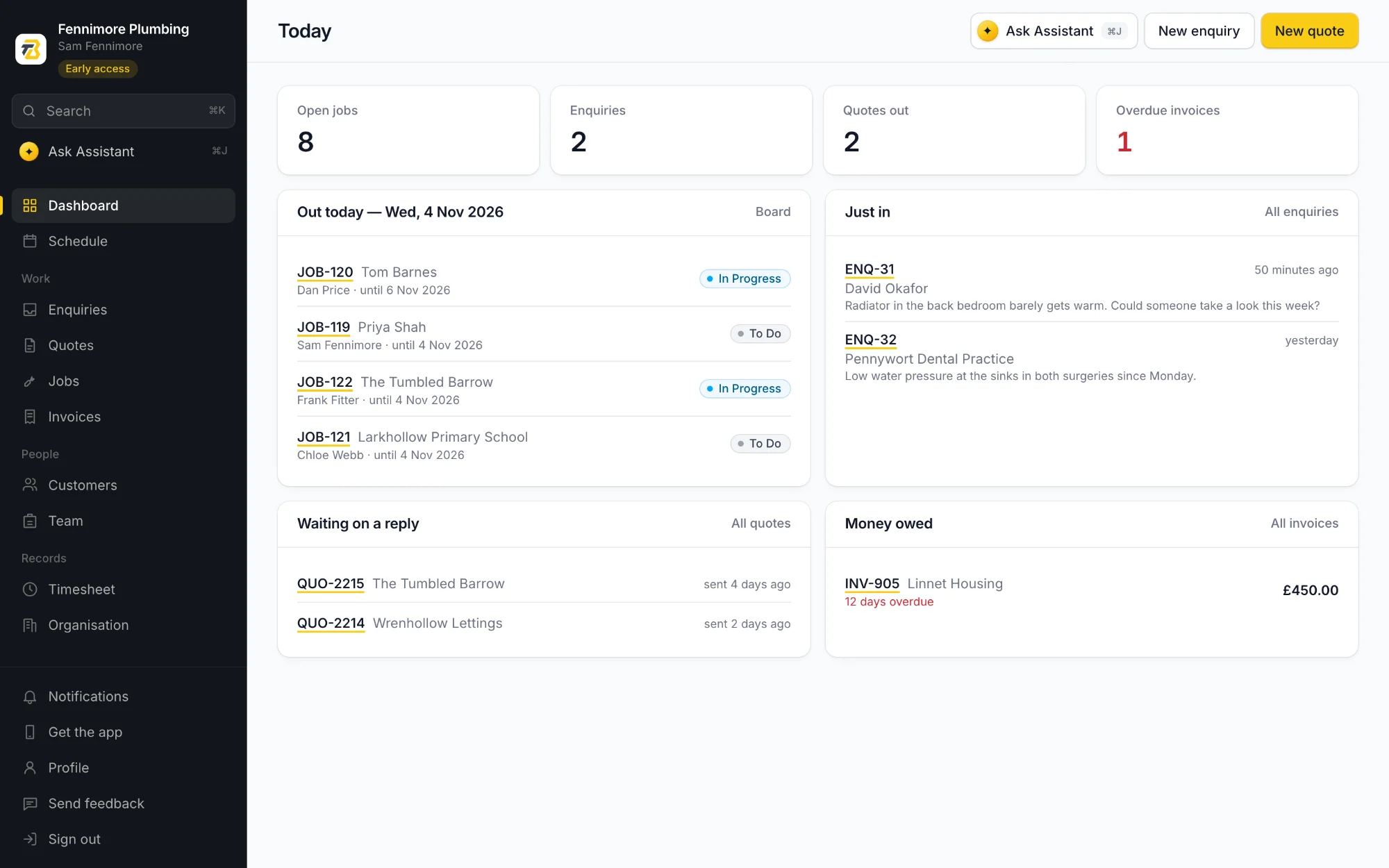
Quoting
Every line has its own quantity, price and VAT, and the total adds up as you go. Send it from the phone as a PDF with your logo on it, and mark it accepted when they say yes.
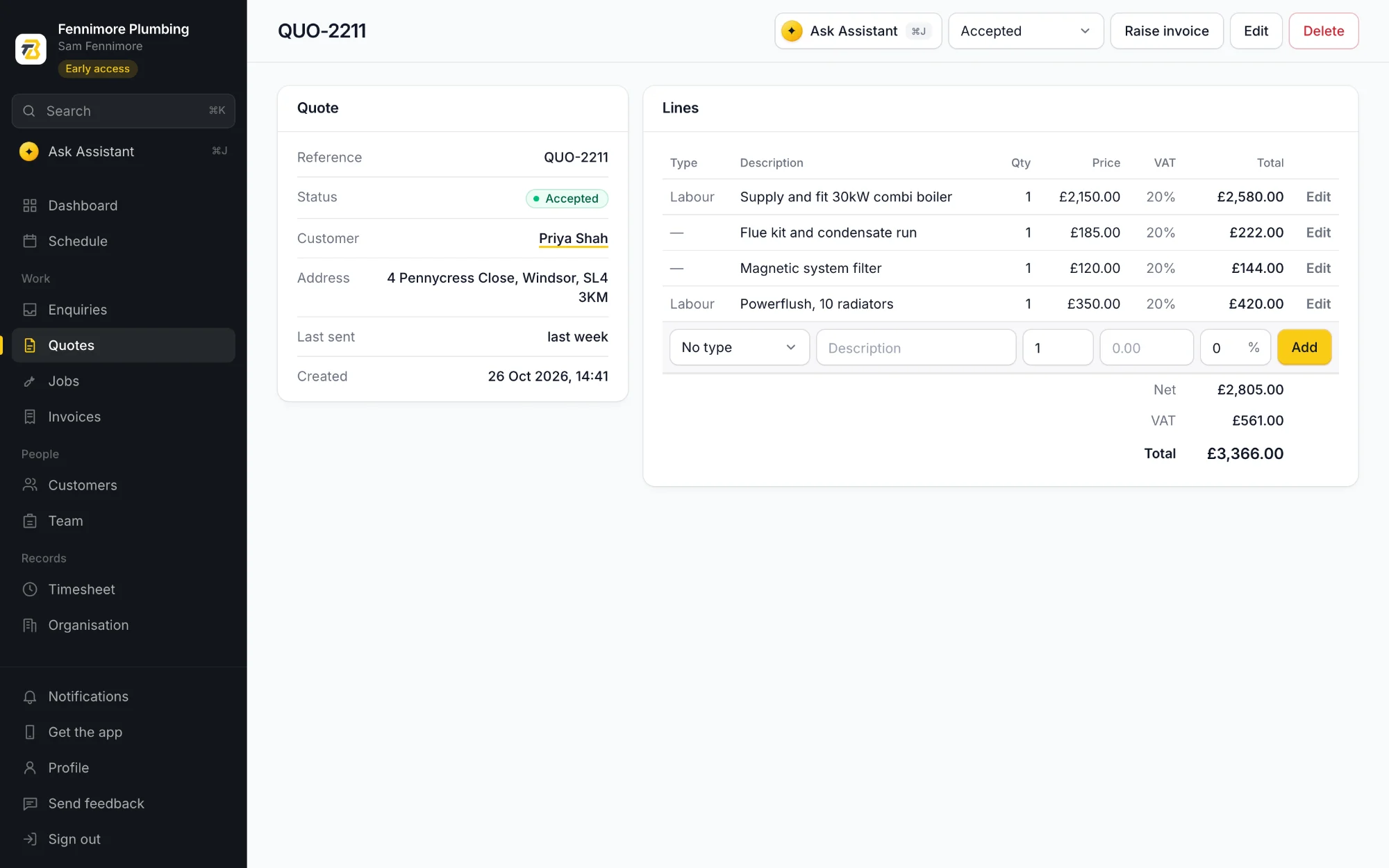
Jobs
When they say yes, the quote becomes a job with its lines carried across. Put someone on it, add the tasks, and log the hours against each task as the work gets done.
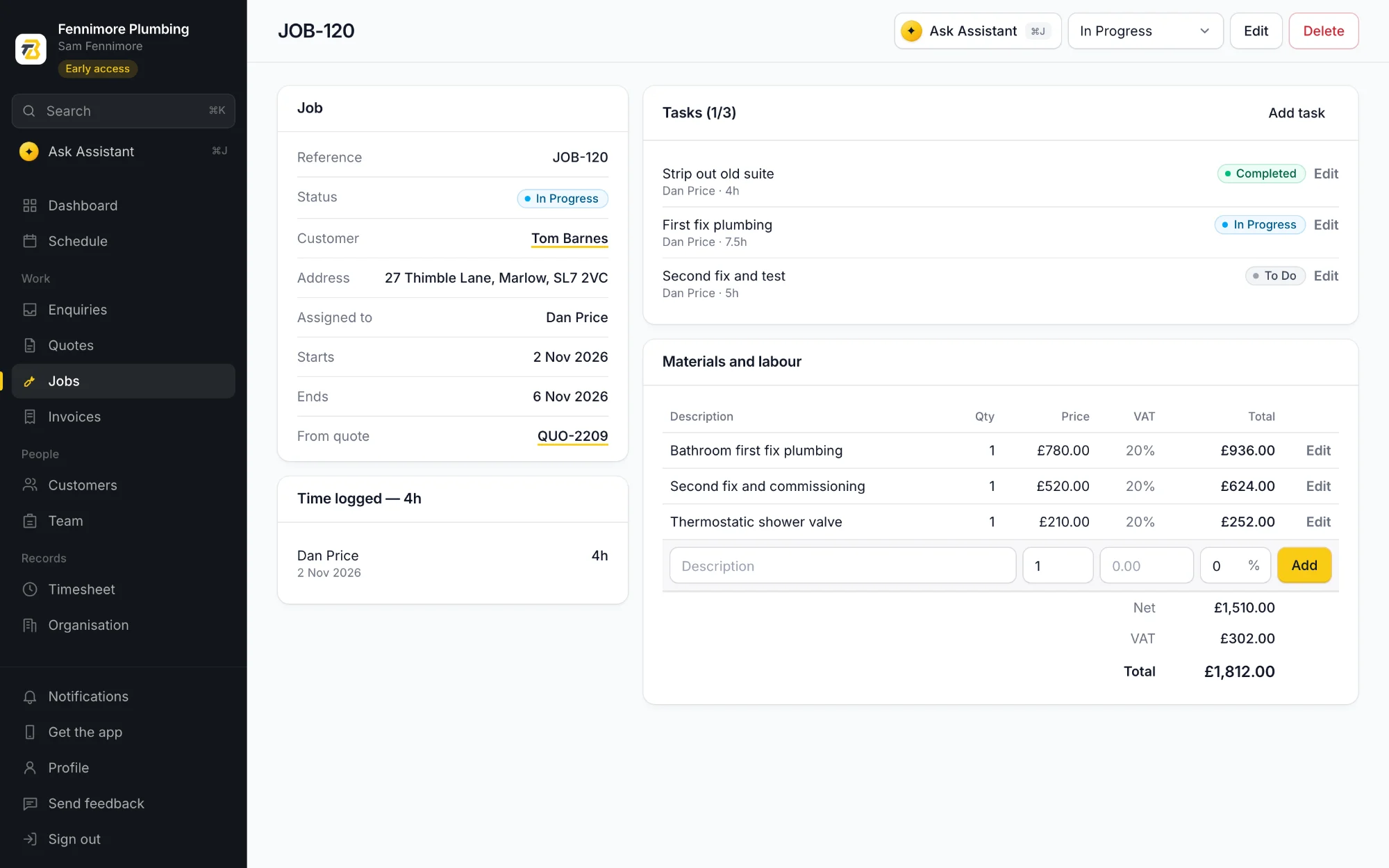
Scheduling
Every job on a board, by day and by person. Drag it to another day, stretch it when it runs over or hand it to someone else, and it's on their phone.
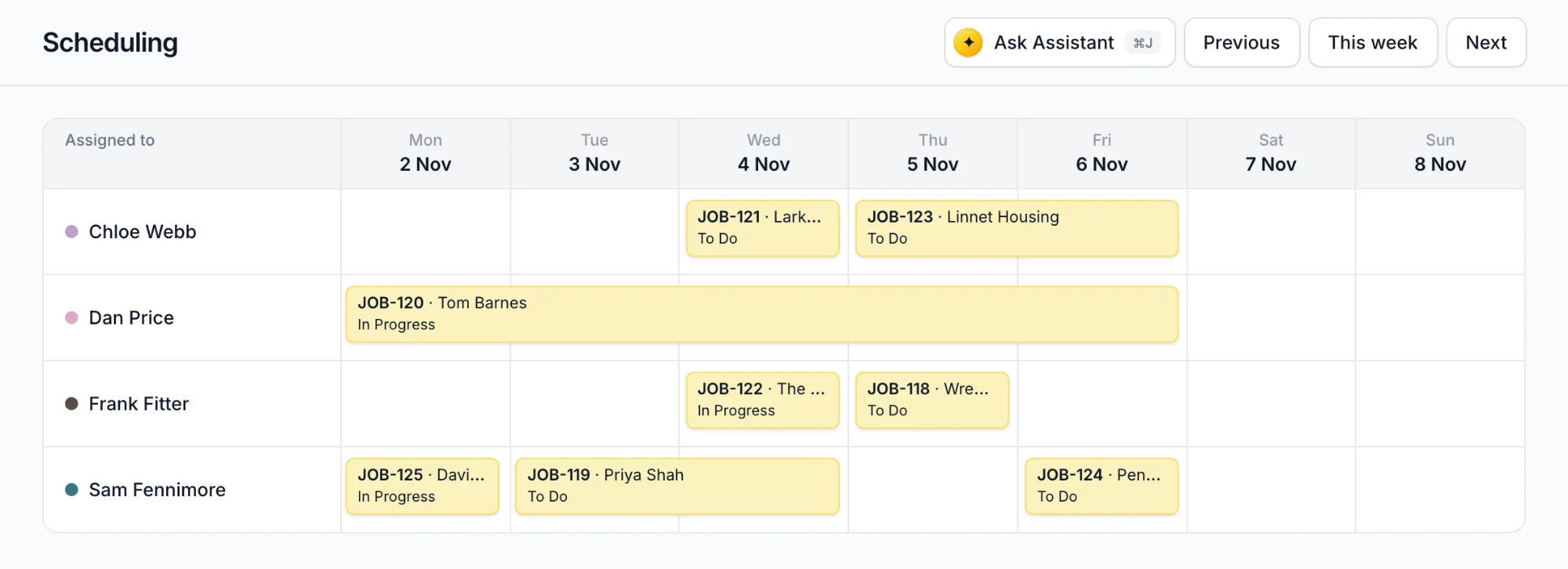
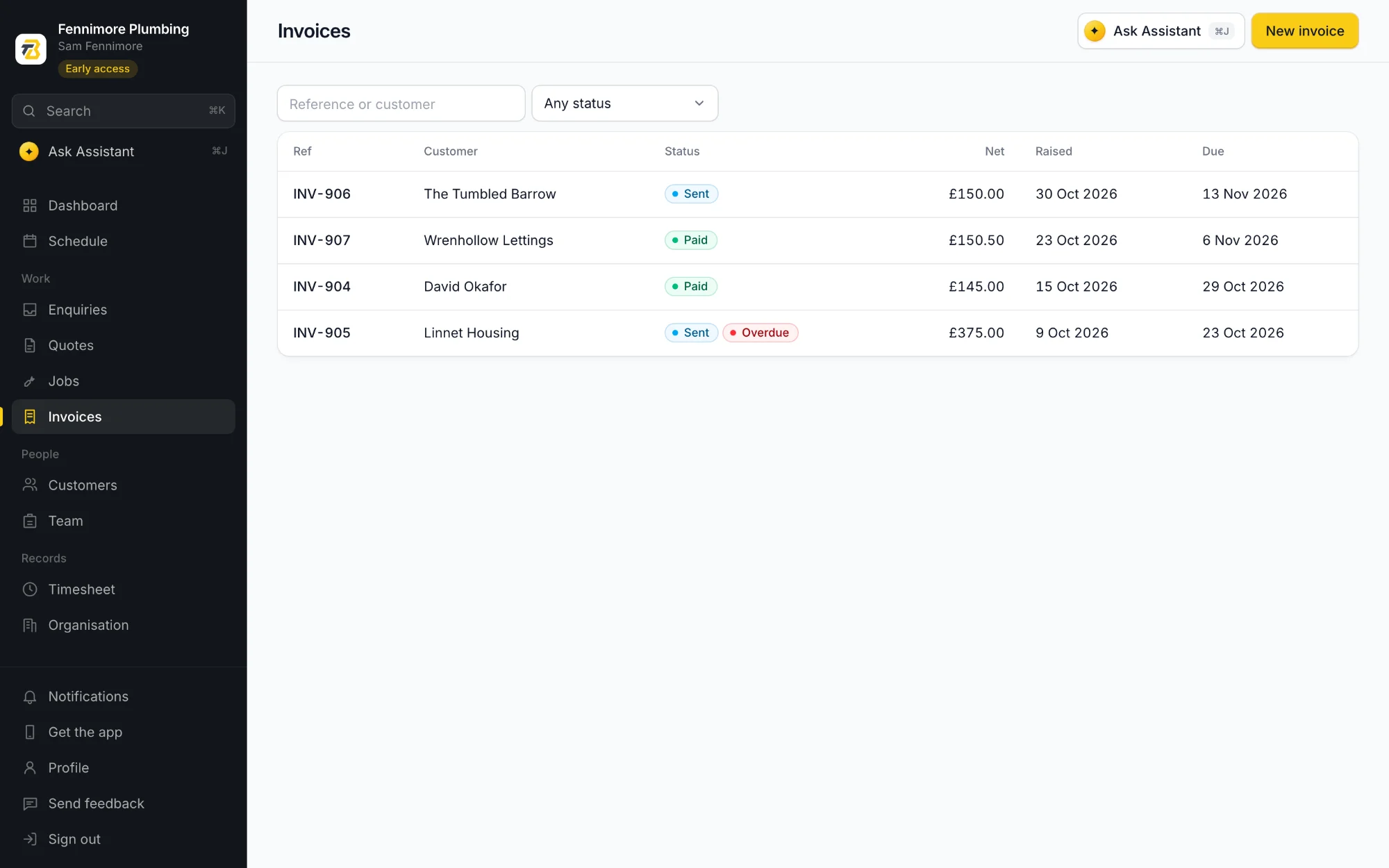
Invoicing
Turn the quote into the invoice and the figures come with it, so what you priced is what you bill. See what's out, what's paid and what's late.
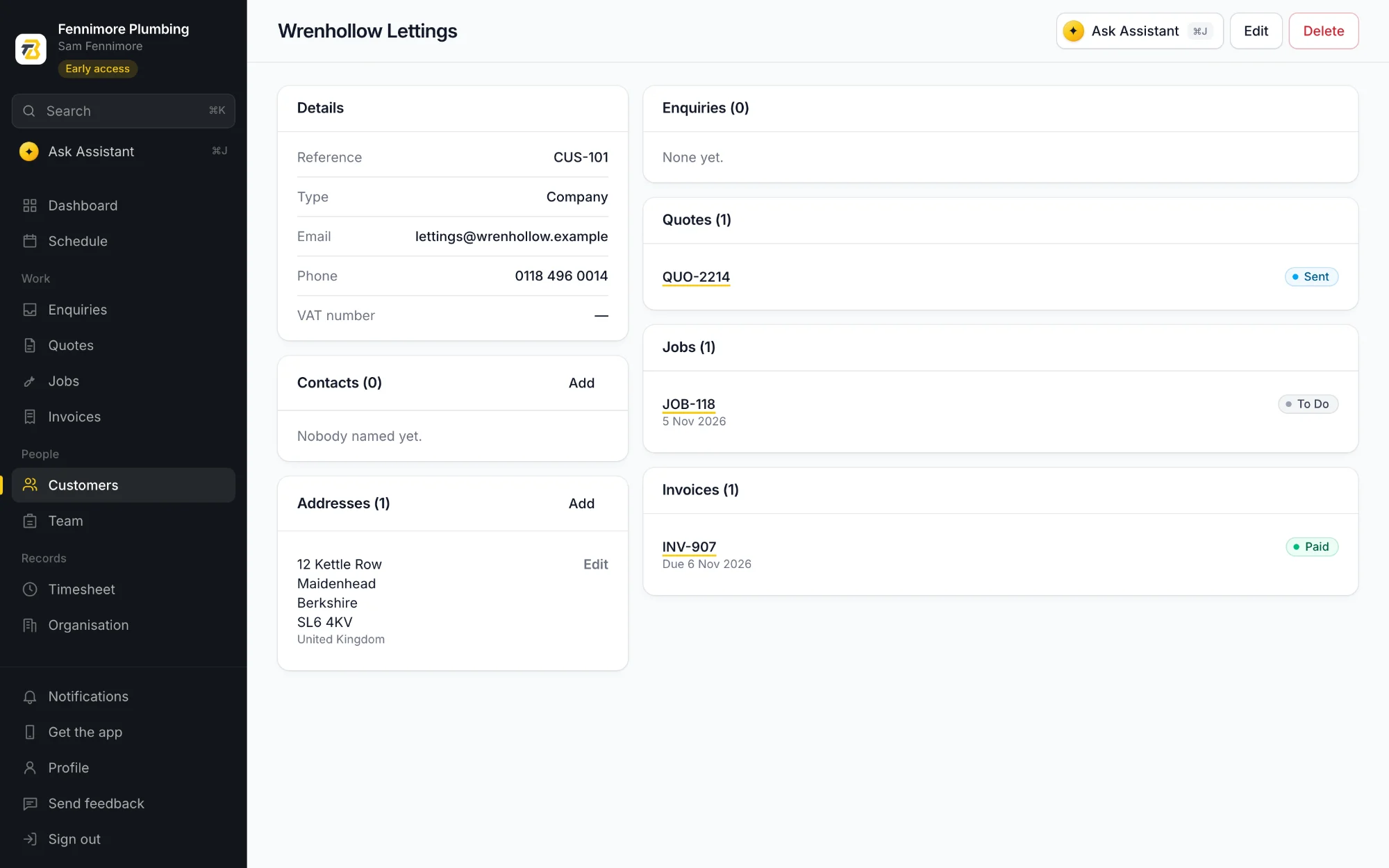
Customers
Addresses, contacts and every enquiry, quote, job and invoice for each customer, in one place. Handy when they ring about a boiler you fitted two years ago.
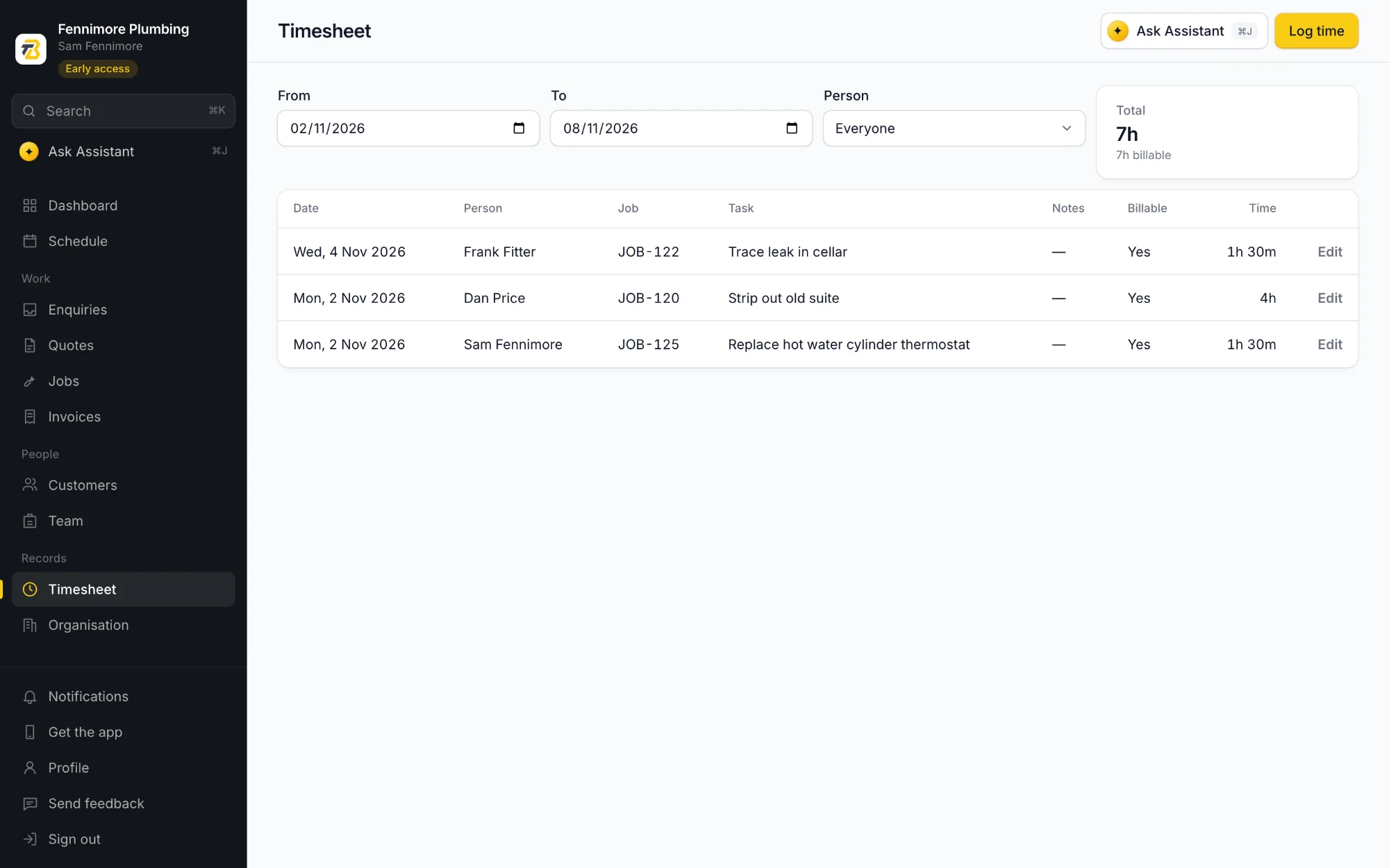
Time
Everyone logs their time to the job and the task from their phone. See the week by person, and what's billable, before you price the next one like it.
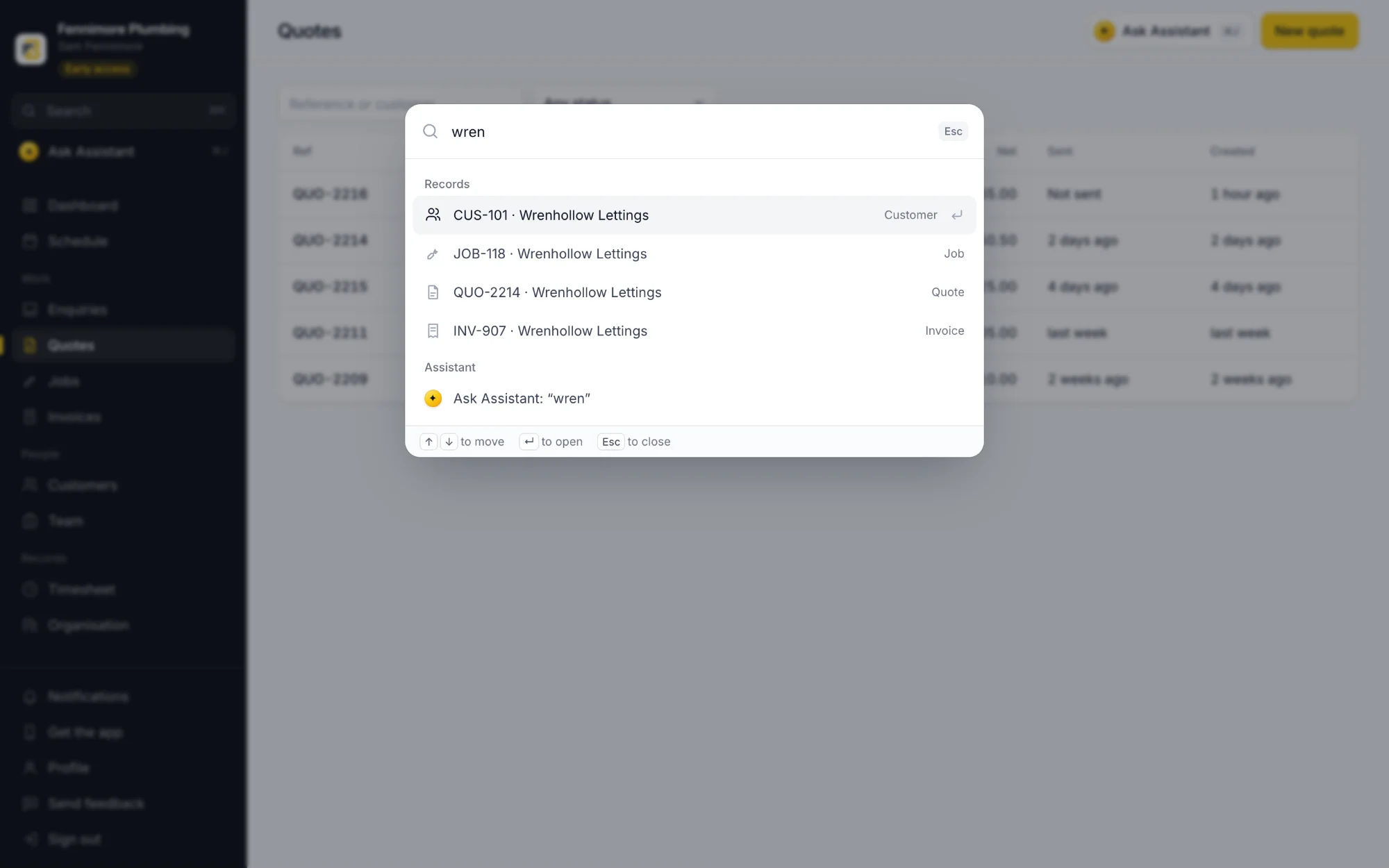
Search
Press Ctrl K, or ⌘K on a Mac, and type a name, a street or a reference. Customers, jobs, quotes and invoices come up together. Can't find it? Ask the assistant from the same box.
The assistant
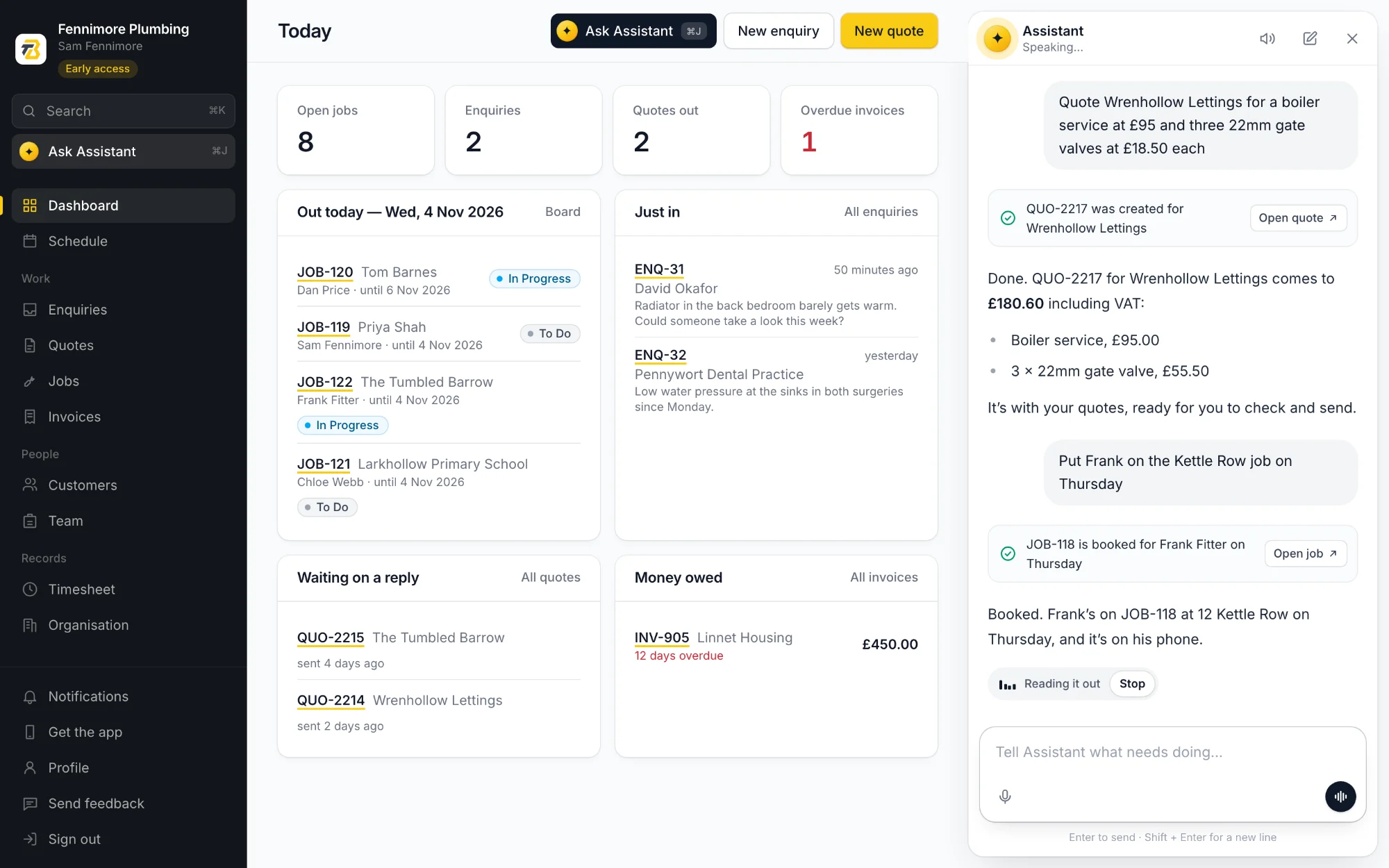
Everything above can be done by talking to Toolbelt AI. Tell it to quote a customer, book a job, log your hours or raise the invoice, and it does the typing and reads the answer back. Hands-free on the phone and on the web.
And the rest
Write down the call that comes in, with photos from the phone. Quote it or book it in from the web when you're ready.
The phone app saves everything on the phone first and catches up when the bars come back. Nothing to press.
Add your people and they sign in on their own phones. Only you can add people, see everyone's hours or use the web version.
Quotes and invoices go out as PDFs with your logo and your details, from a choice of layouts.
Send customers, quotes and invoices across to Xero or QuickBooks, on the plans that include accounting.
One account, one login, the same jobs on each. Do the work on the phone and the planning at a desk.
Set it up in the time it takes to have a brew, then put your next quote through it.
Get early accessFree during early access, no card needed